Creating a productive home office space is essential for anyone working remotely or spending significant time on personal projects. A well-designed workspace helps boost focus, reduces distractions, and makes work more enjoyable. Whether you are setting up a new home office or looking to improve your current one, these practical tips will guide you in creating a productive and comfortable environment.
Choose the Right Location
Selecting the ideal spot in your home is the first step toward productivity. Here’s what to consider:
– Quiet Environment: Pick a place away from household noise and high-traffic areas to minimize interruptions.
– Natural Light: Position your workspace near windows to take advantage of daylight, which can improve mood and energy.
– Space and Privacy: Make sure there is enough room for your equipment and that you can work privately if needed.
If space is limited, a corner of a room or a small nook can be transformed into a functional office with creativity.
Invest in Ergonomic Furniture
Comfort plays a key role in maintaining productivity for long hours. Consider the following furniture aspects:
Chair
– Choose an ergonomic chair with adjustable height, lumbar support, and comfortable cushioning to protect your back.
– Avoid sitting on sofas or non-supportive chairs for long work sessions.
Desk
– A desk at the correct height should allow your elbows to rest at about 90 degrees when typing.
– Consider adjustable desks if you want the option to alternate between sitting and standing.
Organize Your Space Effectively
Clutter can hinder concentration and efficiency. Adopt organizational strategies such as:
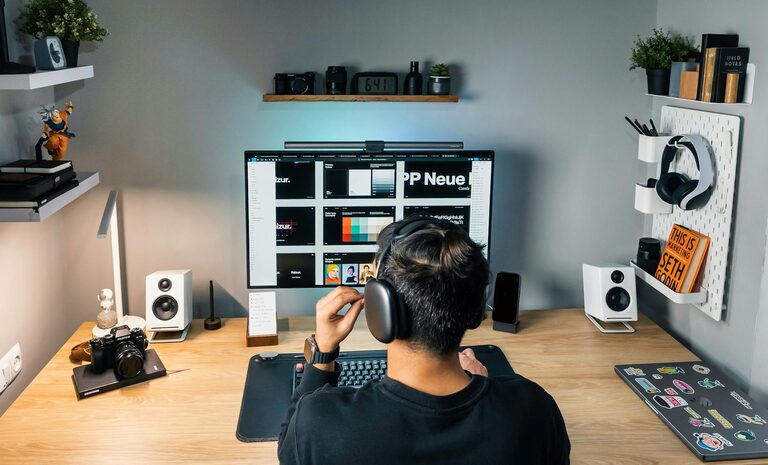
– Use shelves, drawers, or filing cabinets to keep documents and supplies neatly stored.
– Use containers or desk organizers for pens, paper clips, and other small items.
– Keep only essential items on your desk to maintain a clean and inviting workspace.
Regularly decluttering your workspace helps sustain a focused environment.
Optimize Lighting
Good lighting reduces eye strain and fosters alertness.
– Ideally, use natural light during the day.
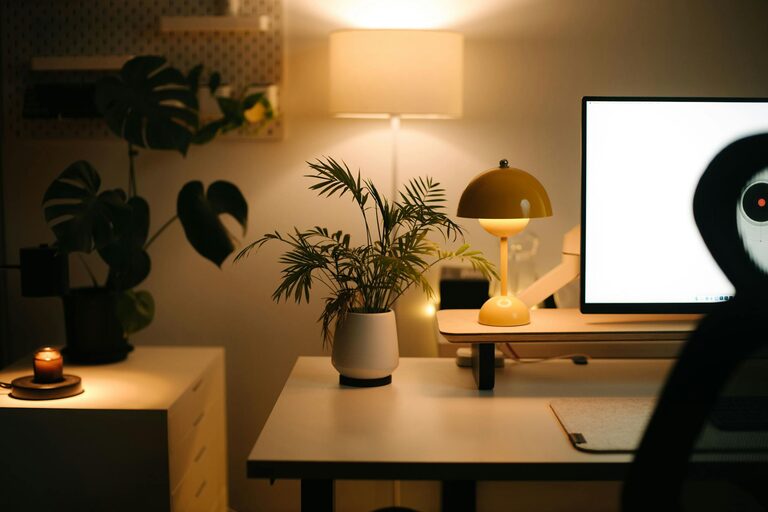
– Add a desk lamp with adjustable brightness for cloudy days or late evenings.
– Avoid placing your computer screen in front of bright windows, which can cause glare.
Minimize Distractions
Maintaining focus can be challenging at home, but these tips can help:
– Use noise-canceling headphones or white noise machines if ambient sounds are distracting.
– Set boundaries with family members or roommates about your work hours.
– Turn off non-essential notifications on your devices to reduce interruptions.
Equip Your Office with Technology Essentials
Having the right technology ensures smooth workflow.
– Reliable high-speed internet connection.
– A quality computer or laptop suited for your work tasks.
– Necessary peripherals like printer, scanner, or additional monitors.
– Cable management solutions to keep cords organized and safe.
Personalize Your Workspace
Adding personal touches can create a positive atmosphere:
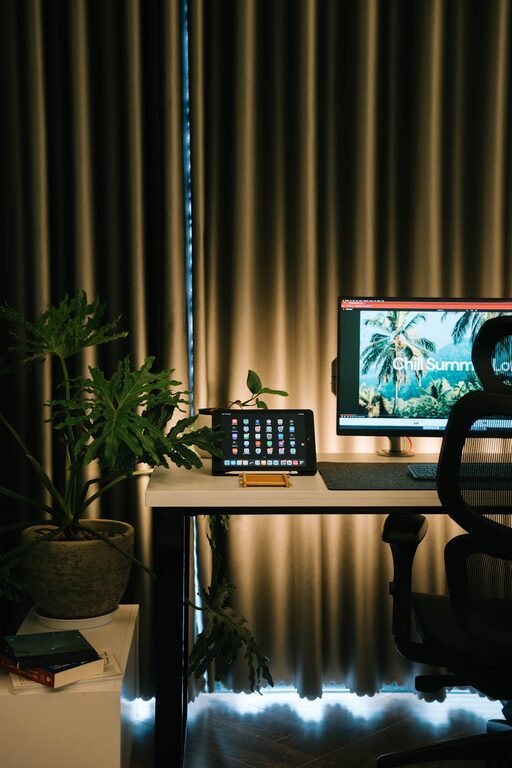
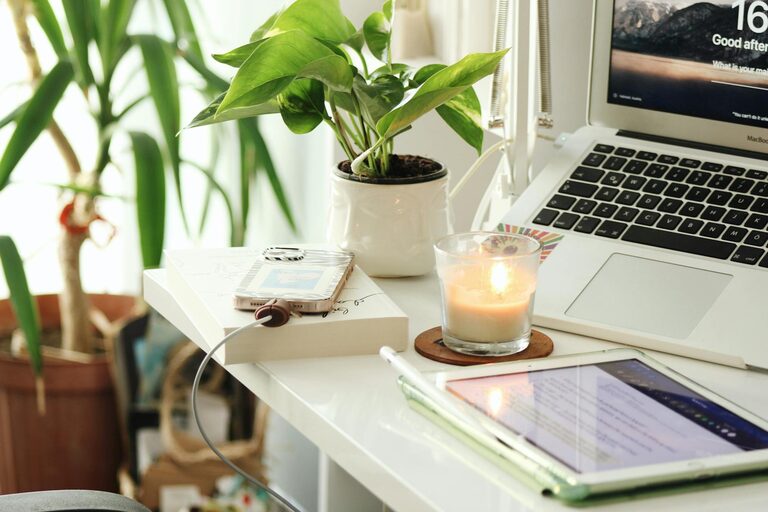
– Decorate with plants to enhance air quality and aesthetics.
– Use motivational artwork or photos to inspire you.
– Choose colors that make you feel calm and energized.
Establish Daily Routines
A well-structured routine complements a productive space.
– Start your day by tidying your workspace.
– Schedule regular breaks to stretch and rest your eyes.
– End your workday by organizing your desk to separate work from personal life.
Maintain Your Workspace
An efficient home office requires upkeep.
– Clean your desk, keyboard, and screen regularly.
– Check your equipment for any needed updates or repairs.
– Refresh your organization systems as your needs evolve.
—
By investing time and thought into setting up your home office, you create an environment that supports focus and efficiency. These tips can help you tailor your workspace to suit your unique needs, making working from home a more comfortable and productive experience.